10.9 Monthly Overview
The Monthly Overview submenu combines all mailings sent out in a month by an this very client. This function is mainly is suitable for keeping track of all measures, especially if you have many action- and date-controlled mailings running. You can display any months using two dropdown menus. If you click on Export at the top right and then on the Save as CSV button, you can export the data for further processing.
In addition to the complete dispatch list on a daily basis, you will receive an evaluation of your Top 10 mailings in this section.
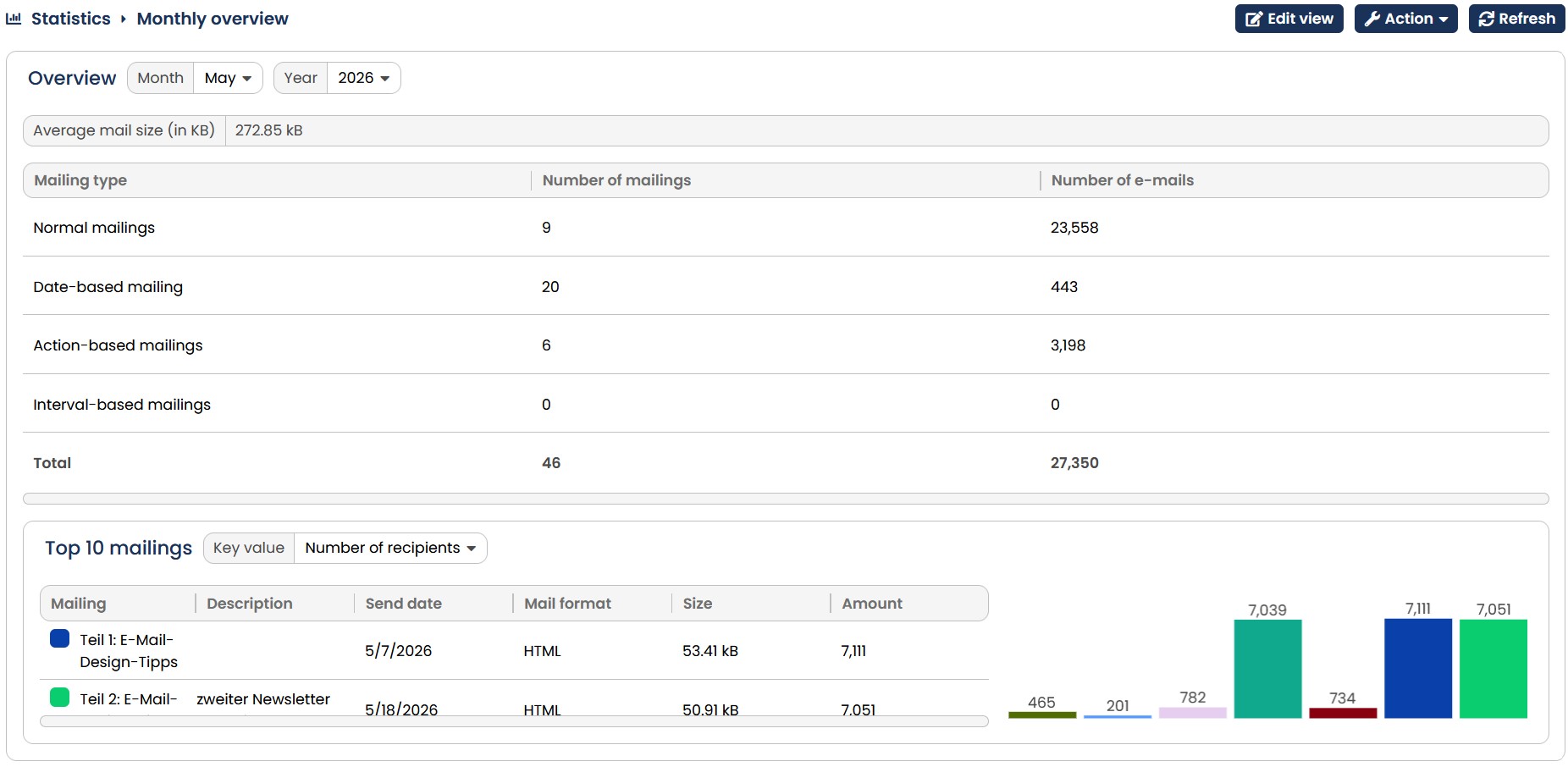
Fig. 9.24: The monthly overview displays all mailings sent out during the month.
Using the drop-down menus Year and Month you can select the desired month and with the field Top 10 mailings by in the upper section the key figures for which the top 10 are supposed to be evaluated. You can choose between Number of recipients, Openers and Clickers, Number of anonymous Openers and Anonymous Clicker .
At the bottom of the page, there is a detailed list of mailings sent out during the month. Subdivided into the Date, Mailing, Format, Size (KB) and Recipients headings, all the relevant information is displayed.
| Field | Description |
|---|---|
| Date | Date the mailing was sent. |
| Mailing | Designation of the respective mailing. |
| Description | Description of the respective mailing. |
| Mailingformat | Display of the mail format (text, HTML or Offline-HTML). |
| Size (KB) | File size of mailing sent in kilobytes. |
| Recipients | Number of recipients per mail format. |