10.11 Evaluate profile fields
The EMM offers profile field statistics, an extended function for evaluating database fields. If you open Evaluate profile fields via the Statistics menu item, the GUI displays a table showing how often a profile field value has been set under the selected parameters. This enables a targeted check if profile field entries are used, for example, for selection options (in surveys etc.) in the mailing.
To evaluate, simply enter the profile field in the filter box that you would like to evaluate.
You can customize the statistics by entering a target group, mailing list and max. number of values. This gives you the option, for example, of only including profile fields from a specific target group in the evaluation. The statistics show you the result of your request in the form of a table and a donut chart.
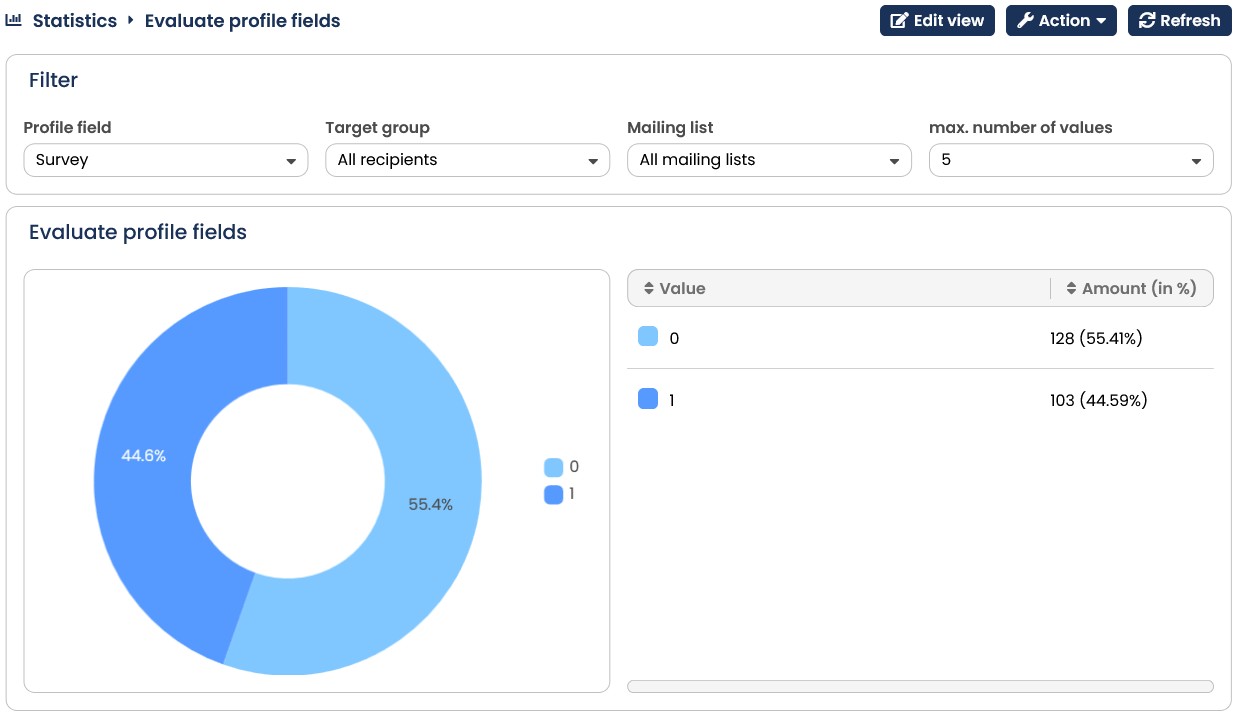
Fig. 9.26: The Evaluate profile fields statistics show a visual evaluation of your selected profile field.