10.10 Distirbution statistics
The distribution statistics show you the development of your recipient data over monthly periods. For this purpose, the status of your recipients is automatically pre-condensed by EMM at the end of each month.
In the Filter section, you can specify the mailing list and time period for which you want to view the distribution statistics. Once you click Update, EMM will load the desired data. To export this data from EMM, first click Action and then Save as CSV.
The following key figures are recorded by these statistics:
-
Opt-ins
-
Opt-outs
-
Bounced
-
Opt-ins without confirmation
-
On blocklist
The upper section of the Distribution Statistics / summarized monthly evaluation contains a graphical representation of the key figures listed here. Below this, you will find a table in which the key figures are listed again in numerical form.
If you just want to get a quick overview of the development of your recipient data, you can easily do so using the recipient statistics progress view.
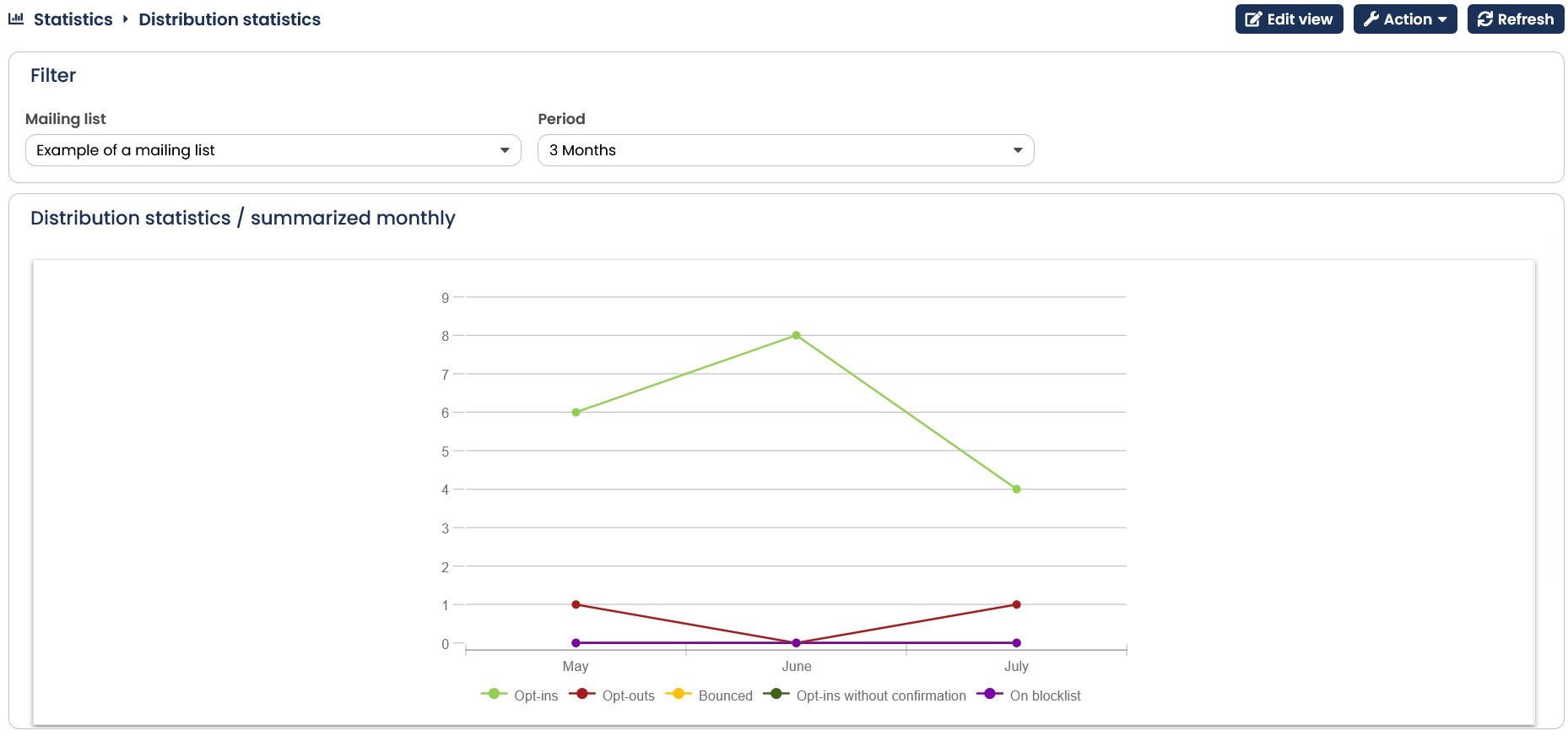
Fig. 9.25: The distribution statistics provide you with an overview of the development of your recipient data.