8.9 Logs
The logs and exports will be stored under the Log sub-menu.
The log list consists of a table by default, which will display information relevant for the Report Date, Type, File Name, Data Source ID and EMM User. From there, you will have the ability to download the logs and the file again.
In contrast with the import log, an export log does not have a data source ID.
You also have the option to filter the logs based on date or type.
If an error occurs during an automatic import or export, this is noted in the File name column with the addition "Error" next to the name. Clicking on a log takes you to the detailed view, where you can obtain a detailed analysis of the respective import or export.
If you open an import log, you will find the the Summary, the Result as well as the Imported data per mailinglist sections. Below the latter, you will find the status of the new and updated recipients sorted by mailing list.
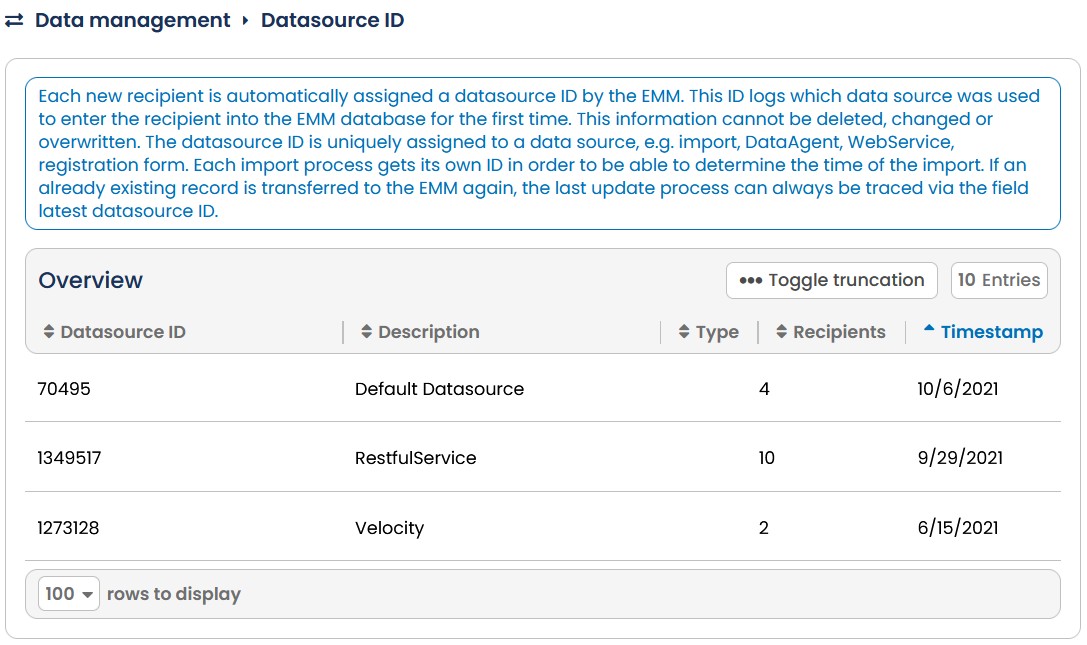
Fig. 7.31: The import & export reports generated will be stored under the Log sub-menu.
Please note: Import logs are only available for 180 days. Detailed evaluations of invalid records only for 30 days. The retention period for export logs is three months, after which the logs will be deleted automatically.