4.8 Mailing priority (Premium)
You can use mailing Priority (part of the Delivery Package) to control which and how many mailings may be sent per recipient per day. Currently, only mailings of type "normal" and "date based", that have already been created and are scheduled at the time of prioritization are taken into account. The mailing prioritization can be found in the menu item Mailings.
If a recipient would now receive several newsletters on the same day by target group definition, you can set the maximum number of newsletters he may receive (from 1 to n). Using Drag & Drop you prioritize all mailings that are sent on the same day and control them so that the recipient really receives the most important mail(s) from your point of view.
Please note: A prioritization cannot be made for the current day.
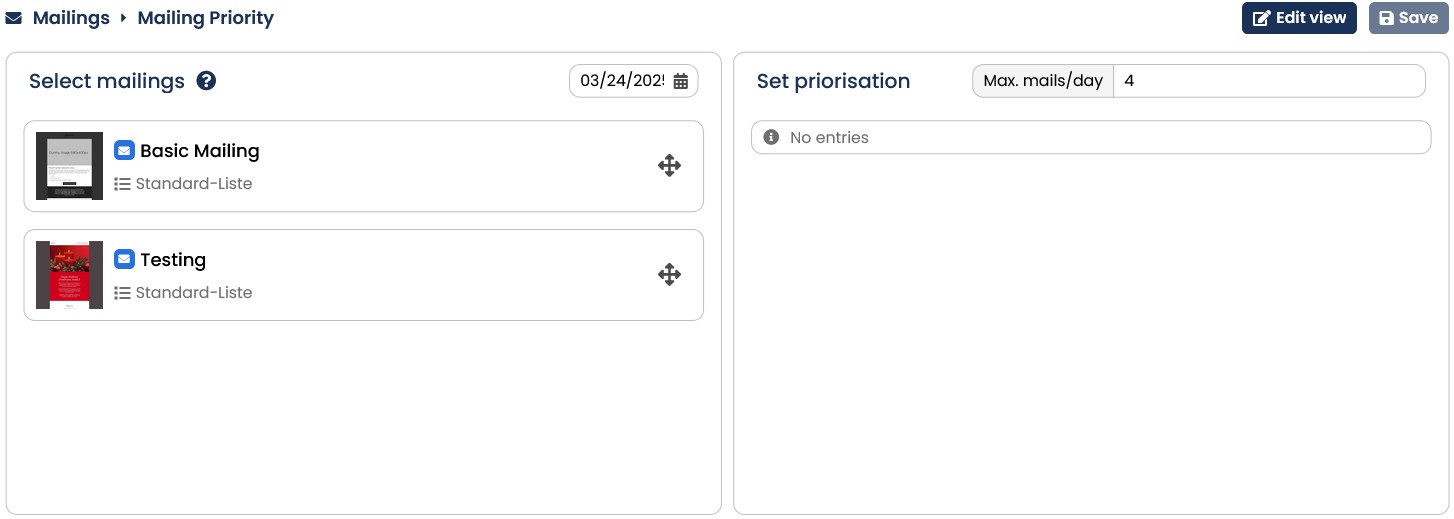
Fig. 3.93: Mailing Priority