3.7 Online Help
Every entry dialog used in E-Marketing Manager provides you with online help which is called up using the help symbol placed at the top-right of the website. The help index opens in a new window, allowing you to continue working in E-Marketing Manager.
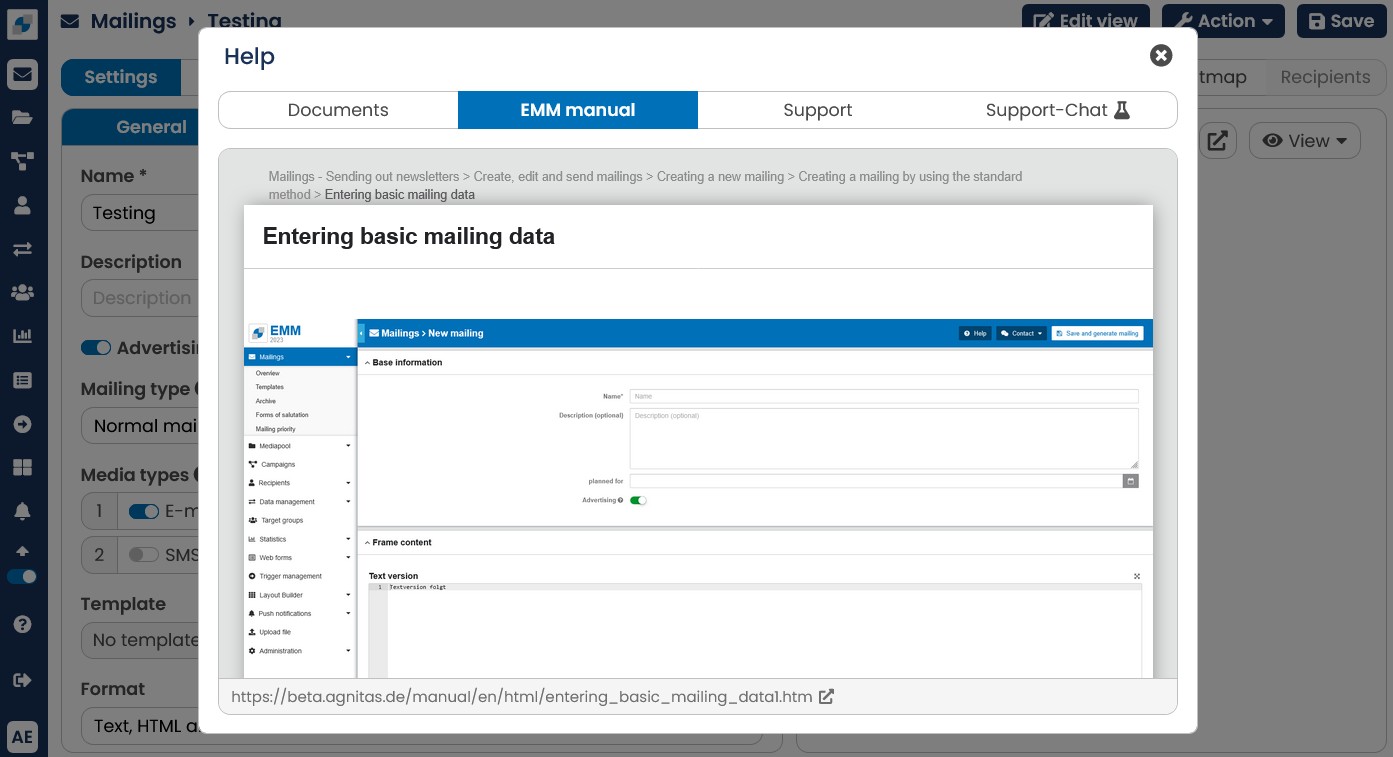
Fig. 2.22: The question mark symbol calls up the online help index.
Online-Help lets you find the desired answers very quickly. E-Marketing Manager automatically recognizes the menu from which you have called the Online-Help and goes directly to the associated chapter.
You can optionally download the Online Manual in its entirety in PDF format and use it as an "offline reference work". To do so, click on the top entry called E-Marketing Manager Manual, that has a small PDF-icon to its left, in the Online Help navigation bar.